


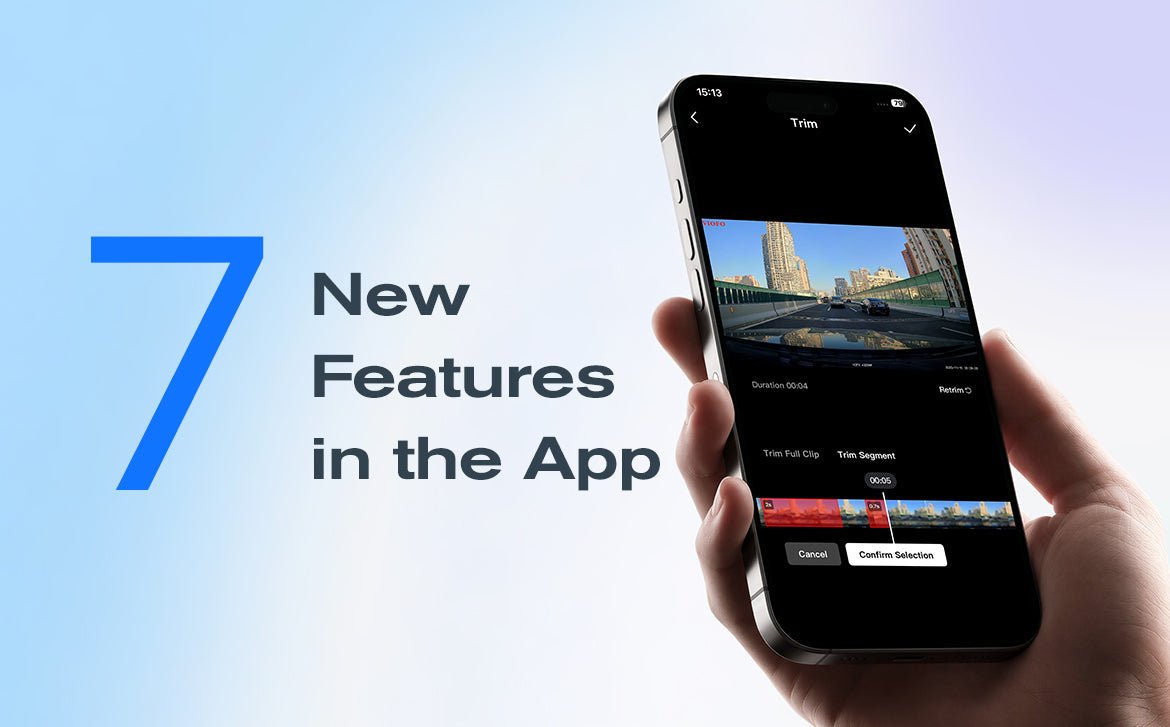
We’re excited to introduce the latest VIOFO Dashcam App update (Android V2.1.01 & iOS V1.1.0), featuring multiple improvements designed to make video playback, editing, and file management easier than ever.
Get the Latest VIOFO Dashcam App Update
Update the VIOFO Dashcam App via the Apple App Store or Google Play Store to experience the latest improvements. 
What's New
1. Faster Playback
Tired of long videos but worried about missing details? The 2× speed playback option helps you review footage faster, skip unnecessary parts, and quickly locate important moments. Play dash cam footage at 2× speed to skip unnecessary parts and quickly locate important moments. 
2. Customizable Export Resolutions
Whether you need lighter files to share with friends or higher-resolution exports for more detailed footage, our flexible export options are designed to meet your needs. You can choose the resolution that fits the moment before exporting a video to your phone.
3. Easier Editing
The edit button now supports two trim methods, giving you more flexibility when editing footage in the app.
3.1 Trim Full Clip
The Trim Full Clip function offers a flexible way to cut the highlight moment from any part of the dash cam footage. You can freely stretch the start mark and the end mark on the timeline, cutting out exactly the length you need. 
3.2 Trim Segment
Sometimes, many highlights are scattered throughout a long recording. Trim Segment can help you pick multiple sections out from the footage and combine them into a single clip. So you can enjoy all your memorable moments at once. 
4. Screenshots & Live Photo Capture
4.1 Save as Photo
Bumps and collisions happen in a very short time. To capture important evidence, you can capture a screenshot while viewing footage in the App and save it to your phone—when it matters. 
4.2 Save as Live Photo (iOS Only)
If the crucial moment in the footage happens too fast to freeze in a still image, Save as Live Photo can help you capture a short clip and save it to your phone as a Live Photo.
*Note: To ensure every Live Photo in your phone displays and plays correctly, this feature is limited to iOS for now.
5. Improved Gallery Layout
When you are looking for a single video among hundreds of files, constantly scrolling and searching can be frustrating. The gallery interface has been redesigned to make browsing and filtering videos easier. The more intuitive category menu helps you switch faster between locked videos and driving videos without frequently going back to the folder page. 

6. Multi-Select Downloads
A new Select Multiple function is now available in the Gallery. When you have multiple videos to download, you can select all the videos you need at once, instead of picking them one by one. 
Icons on the video make the process more intuitive (a clock for waiting and a circle for currently downloading). The number on the Download List icon helps you check how many videos are in the list at a glance. 
7. Download Management
On the new Download List page, you can always prioritize important downloads. You can pause, restart, cancel, clear every task, and change their priority—moving selected downloads to the top of the queue. 
Final Thoughts
From faster playback and easier editing to convenient screenshots and improved file organization, the latest VIOFO App update is designed to deliver a smoother user experience.
Ready to try the new features? Update to Android V2.1 or iOS V1.1 today and enjoy a faster, easier way to manage your dash cam footage.