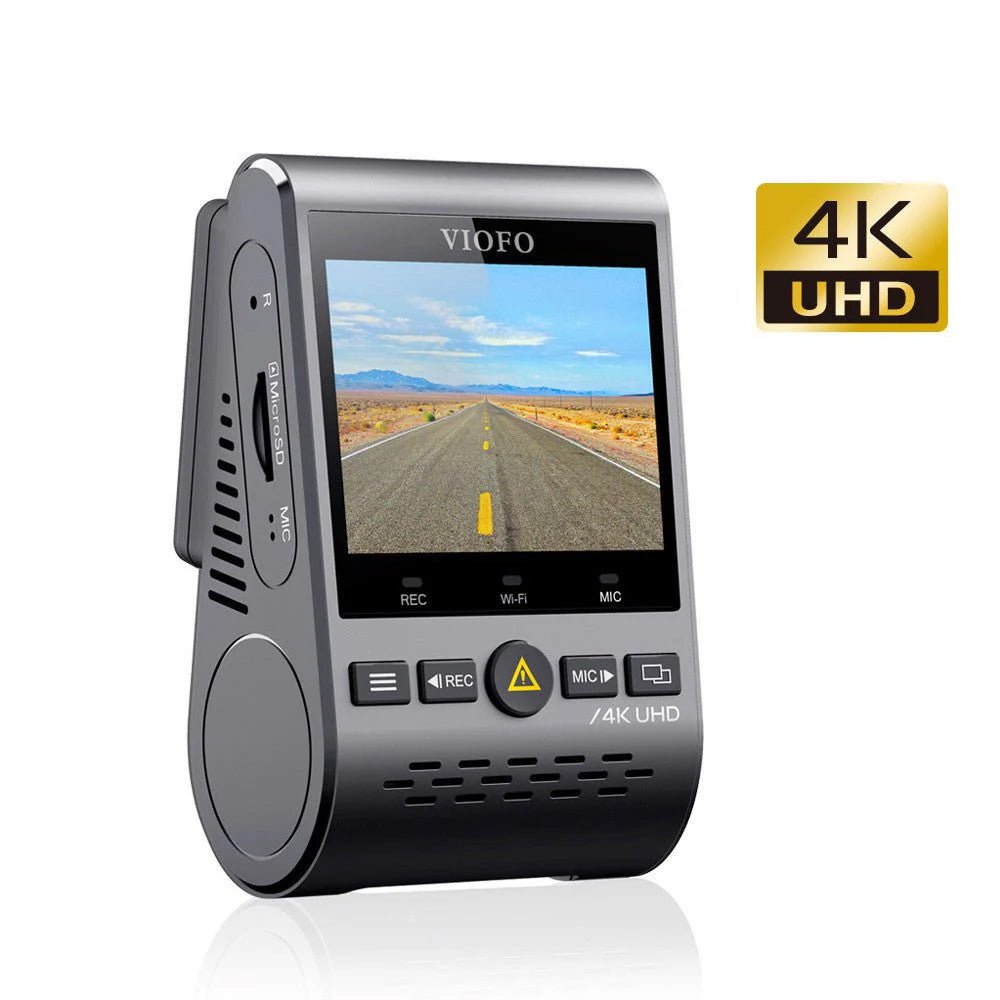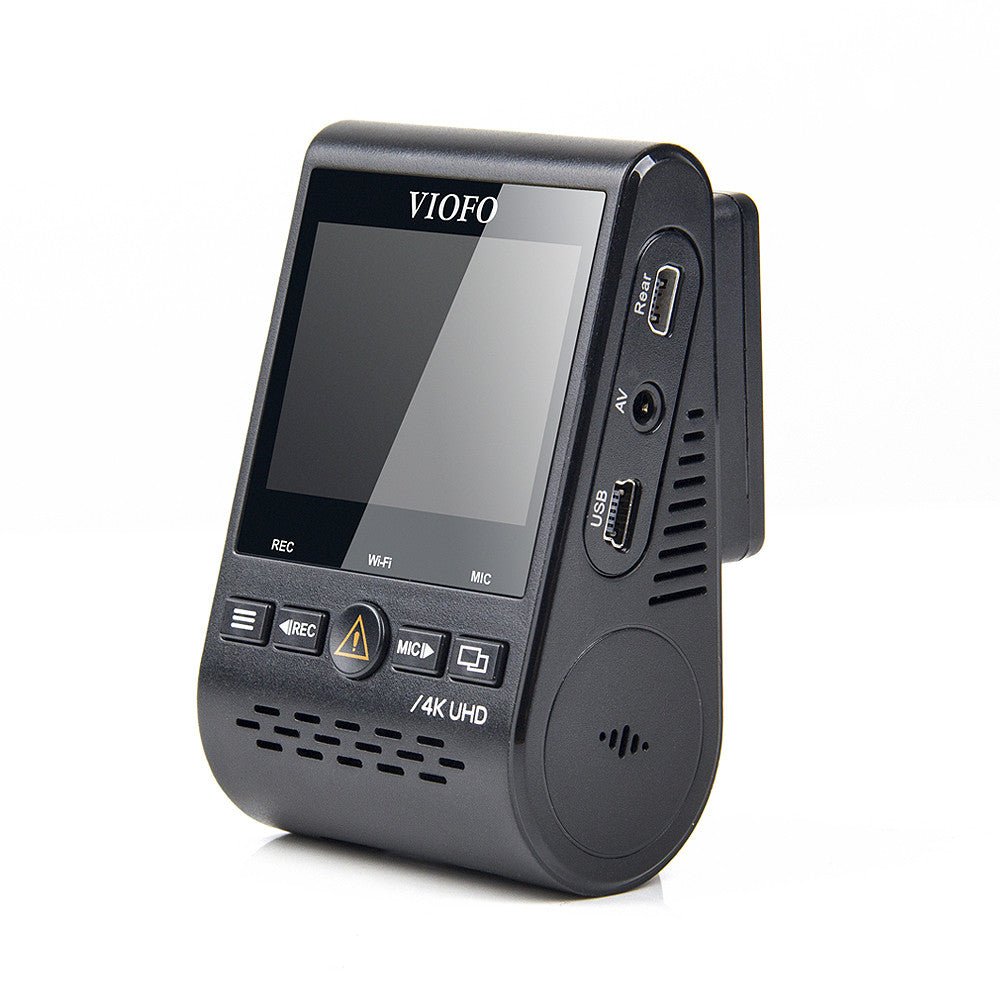
VIOFO A129 Pro Ultra 4K Wi-Fi GPS Front Dash Camera
Overview Spec Compare Accessories Video FAQ Review
VIOFO A129 Pro Ultra 4K Wi - Fi GPS Front Dash Camera - Viofo - official
1/8

VIOFO A129 Pro Ultra 4K Wi-Fi GPS Front Dash Camera

Sale price$169.99 Regular price$199.99
Save 15%
Quantity:

Optional Accessories

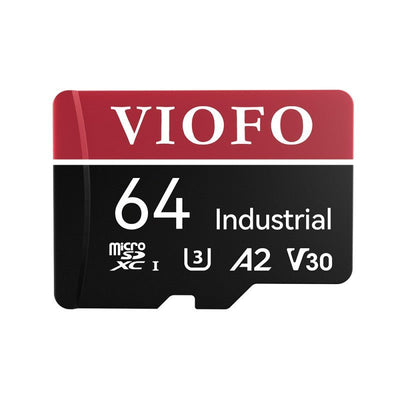
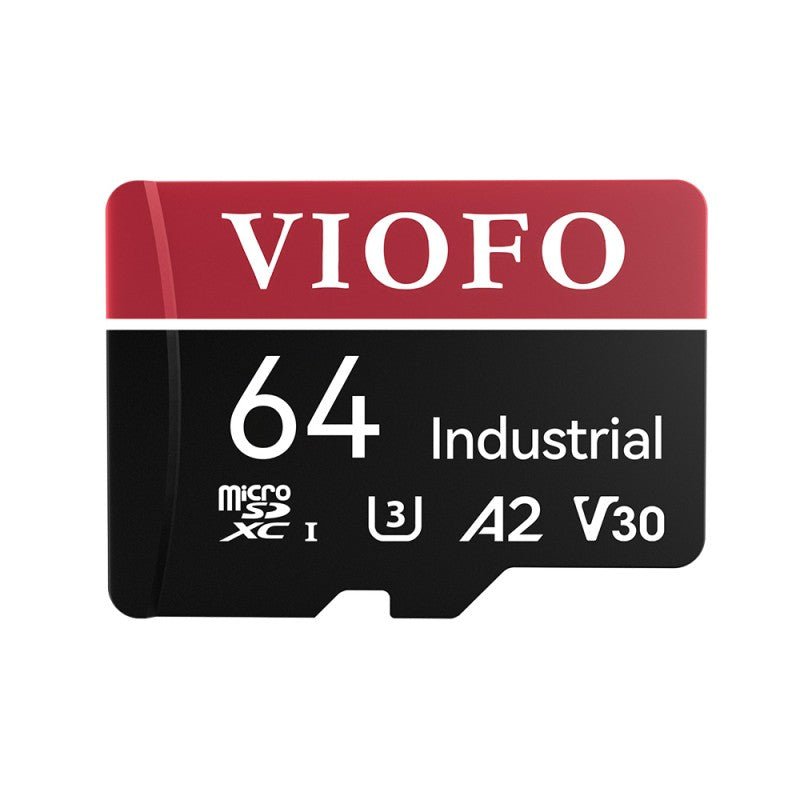
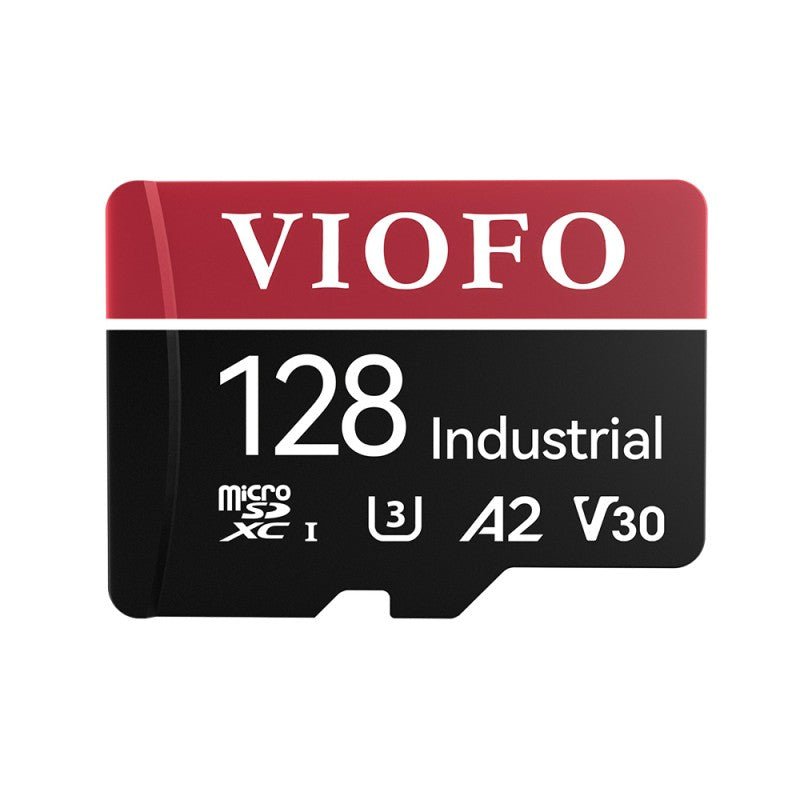
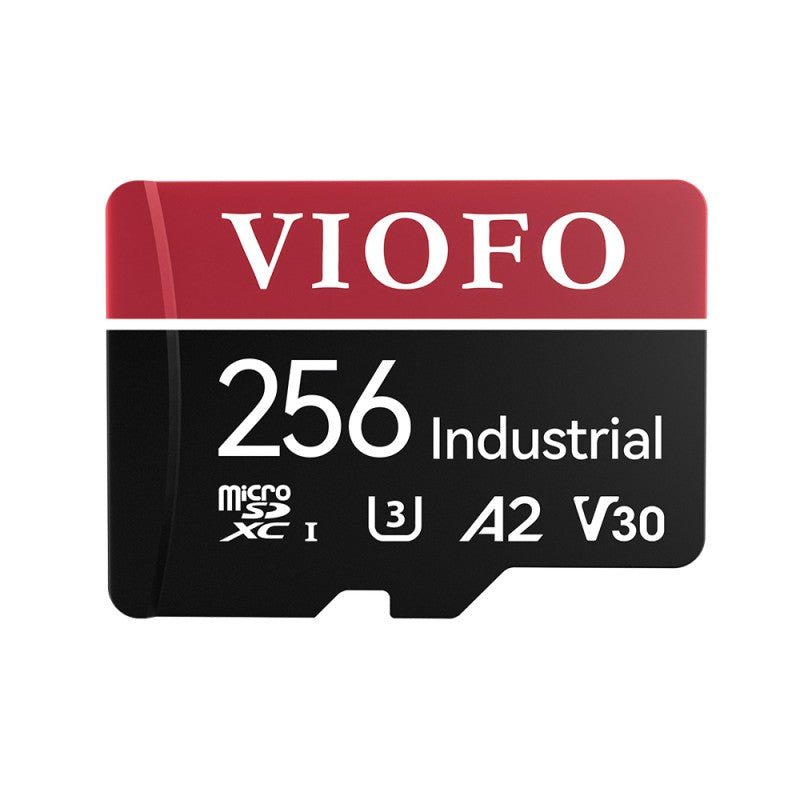
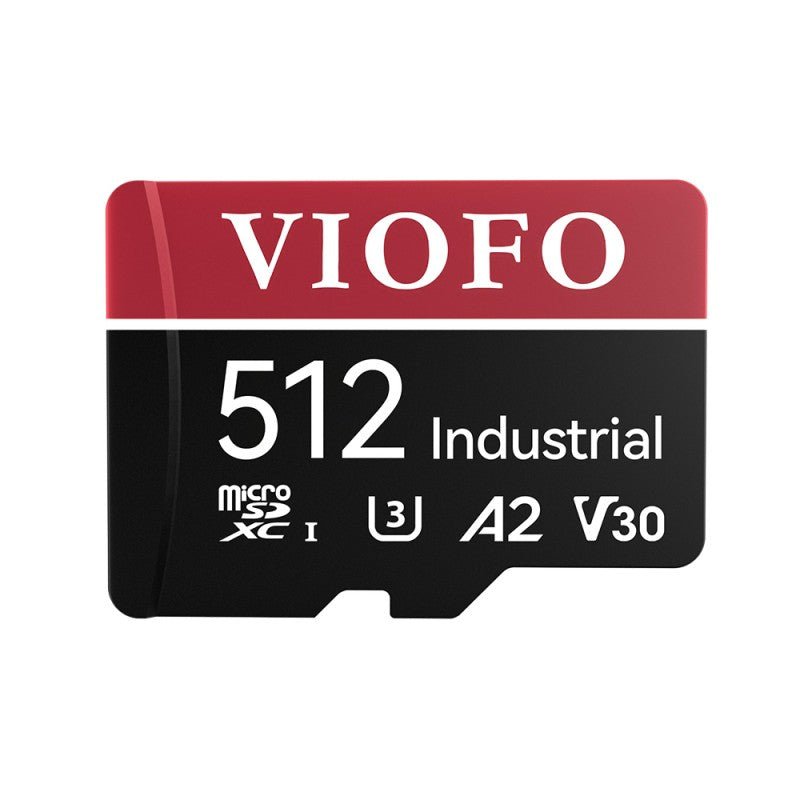
VIOFO Industrial Grade microSD Card, U3 A2 V30 High Speed Memory Card with Adapter, 64GB / 128GB / 256GB / 512GB Optional

$32.39 $35.99
More Details

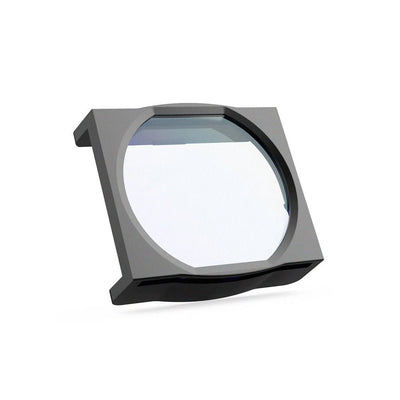
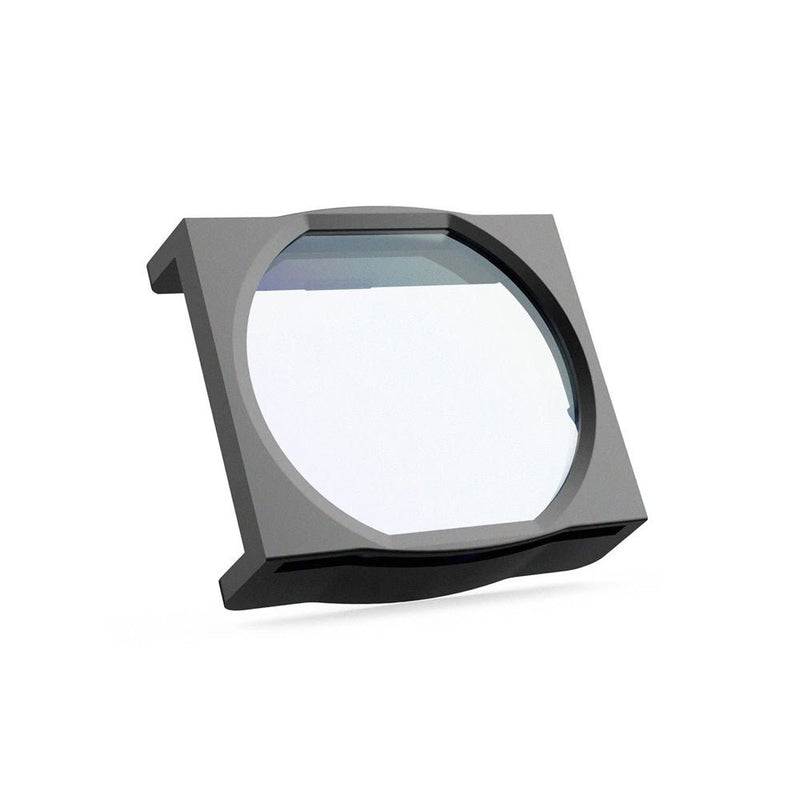
VIOFO CPL-100 Filter For A119V2/A119V3/A119MINI2/A119M Pro/A129 Duo/A129 Pro Duo/A129 Plus Duo

$13.59 $16.99
More Details

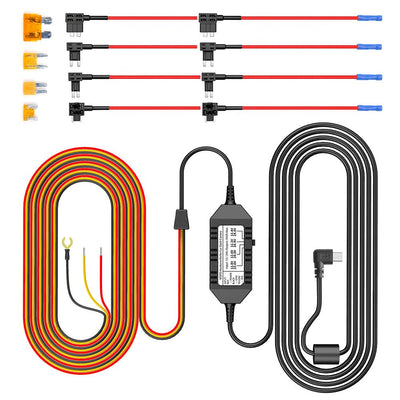
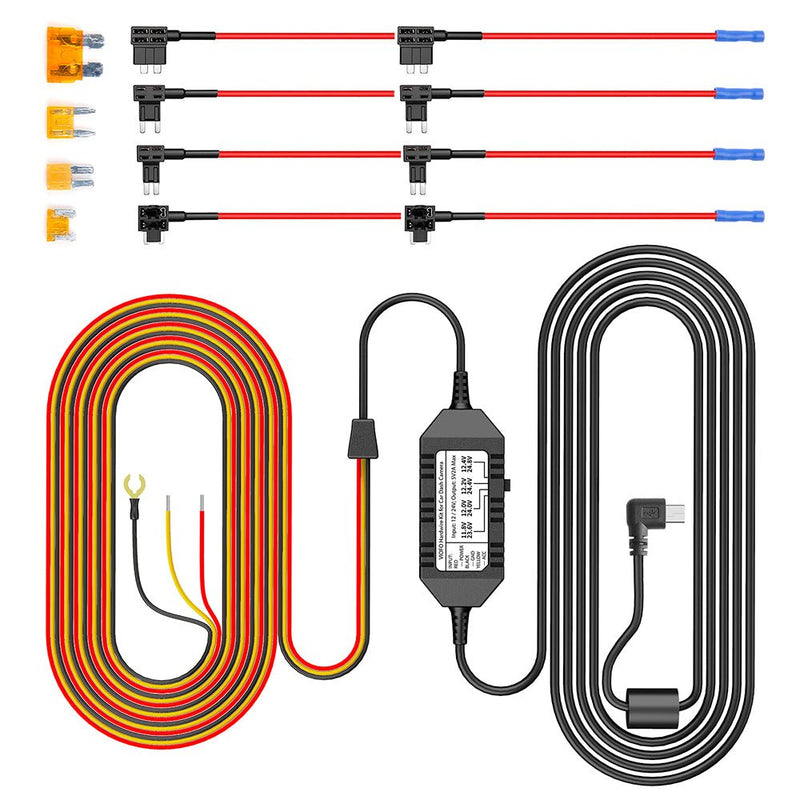
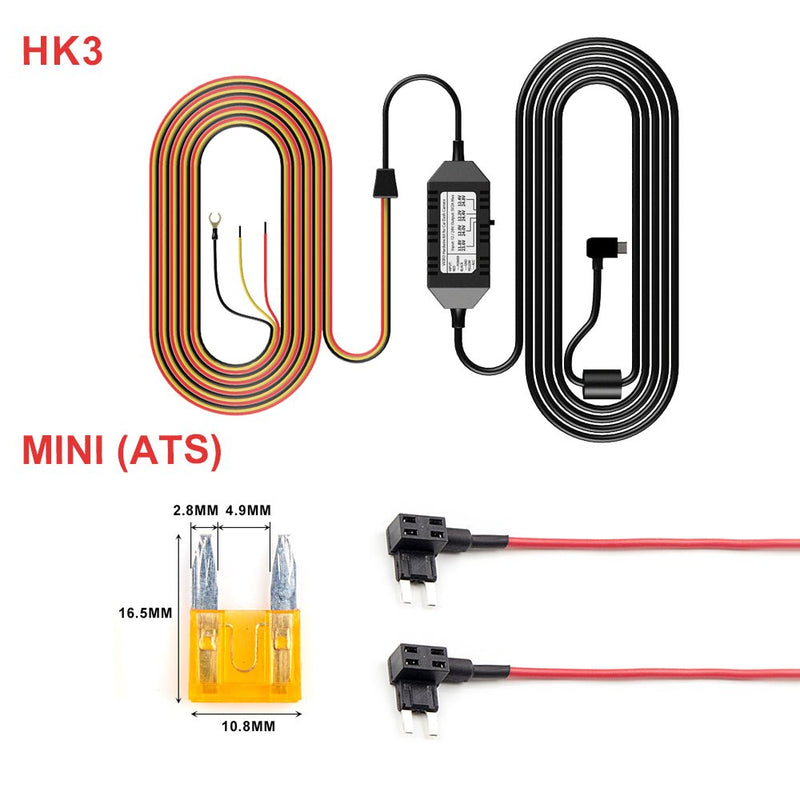
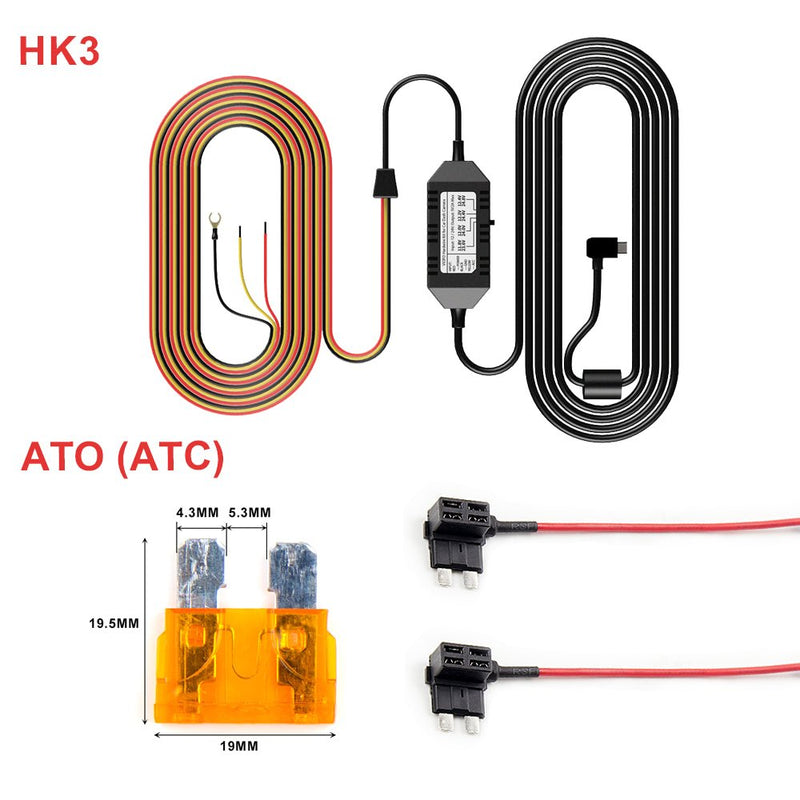
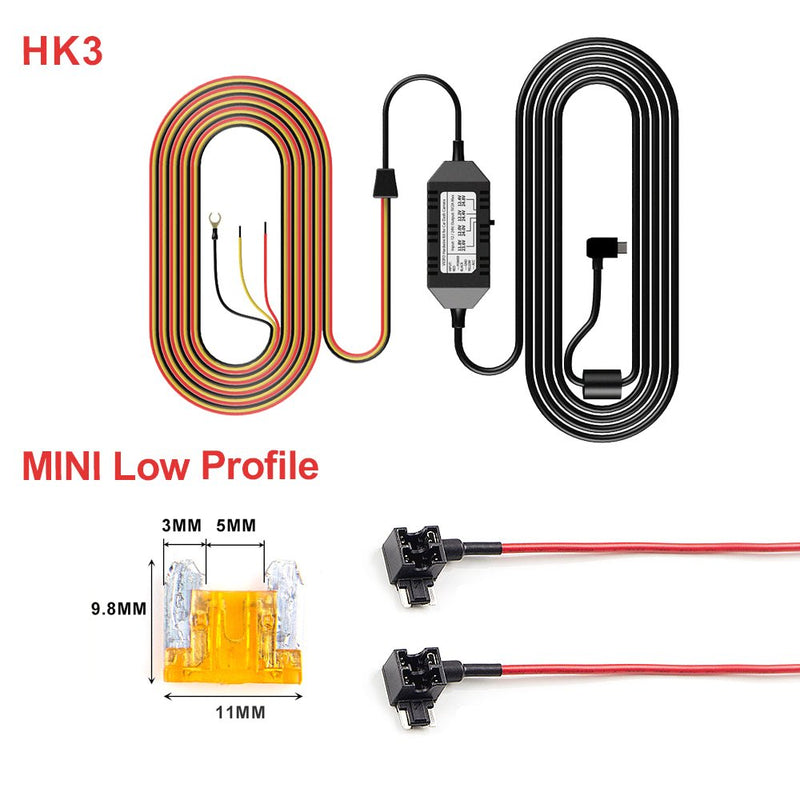
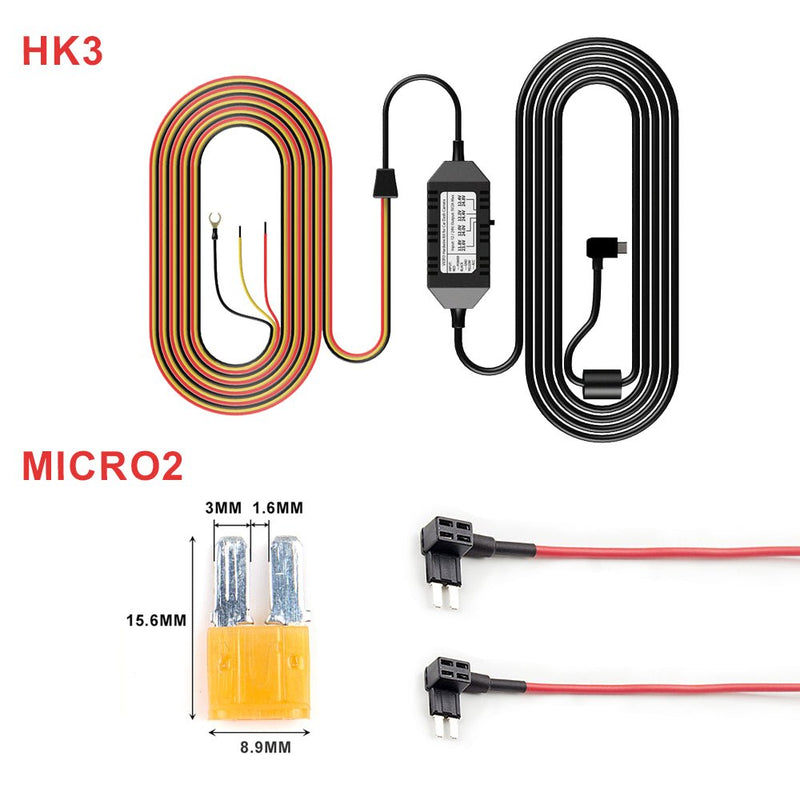
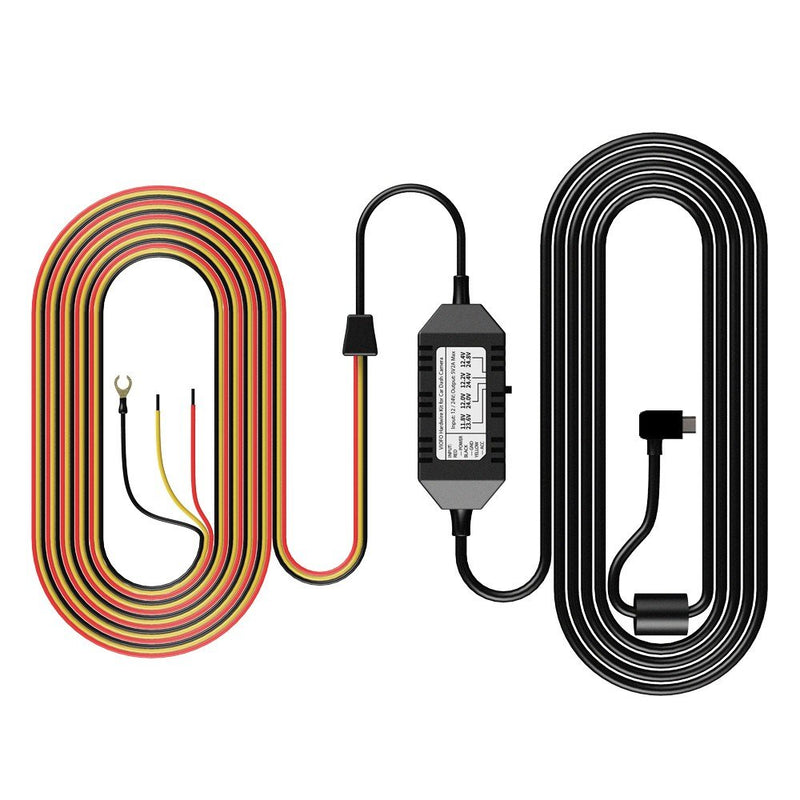
VIOFO Mini HK3 ACC Hardwire Cable For A119V3/A129 Duo/A129 Duo IR/A129 Plus Duo/A129 Pro Duo

$22.09 $25.99
More Details

A129 Duo/A129 Pro Rear Camera with Sony Starvis Image Sensor

$59.99
More Details
Subtotal
Sale price$169.99 Regular price$199.99

Product Information

  • Channels1-Channel
  • ChipsetNovatek
  • SensorSony STARVIS CMOS 8MP IMX317
  • Video Resolution4K (3840*2160P) 30fps
  • WDR/HDRWDR Supported
  • LensF/NO 1.8 FOV=130°
  • Display2.0-inch High-Resolution
  • Wi-Fi2.4GHz & 5GHz
  • Parking ModeSupported (Auto Event Detection / Time-lapse Recording / Low Bitrate Recording)
  • Buffered Parking ModeSupported
  • G-sensorOff / Low / Middle / High Sensitivity
  • Time-Lapse RecordingOff / 100 ms / 200 ms / 1 Second / 2 Seconds / 5 Seconds / 10 Seconds / 30 Seconds / 3 Minutes / 5 Minutes / 10 Minutes
  • Loop RecordingOff / 1 min / 2 min / 3 min / 5 min / 10 min
  • GPS LoggerBuilt-in
  • Voice NotificationNot Supported
  • Voice ControlNot Supported
  • MicrophoneBuilt-in
  • SpeakerBuilt-in
  • CPLSupport CPL-100 (Optional)
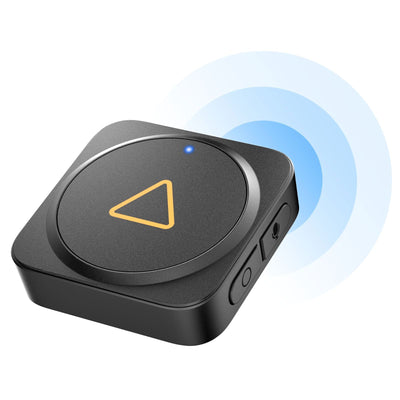
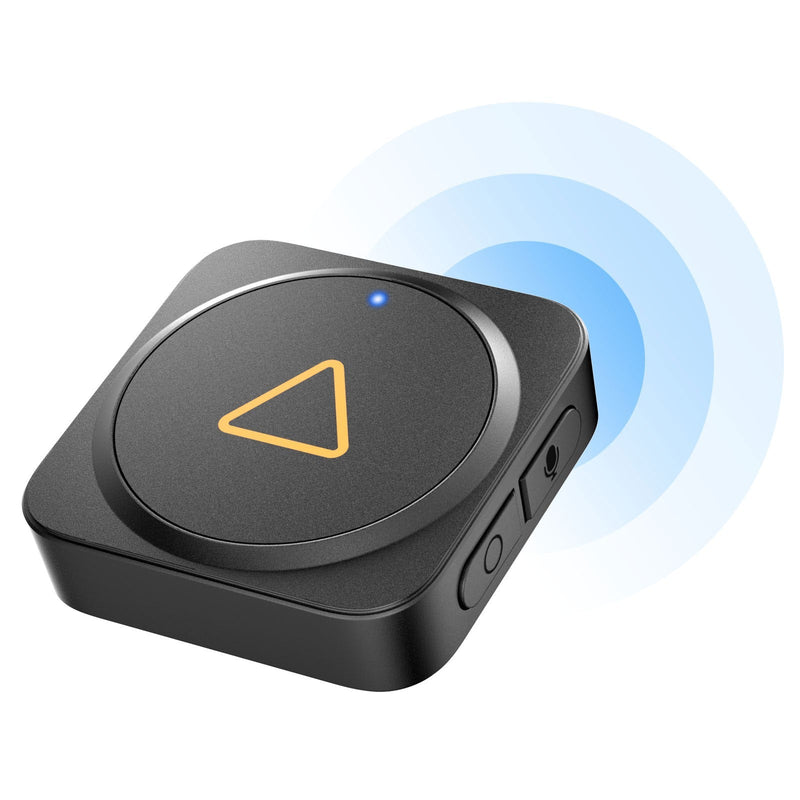
  • BluetoothBuilt-in, support BTR200 (Optional)
  • Hardwire KitHK3 (Optional)
  • Micro SD CardUp to external 512GB microSD Card (Optional)
  • Video FormatMP4
  • Image FormatJPEG
  • Frequency50 / 60 Hz
  • USB PortMini-USB Port
  • LED IndicatorsRecording LED, Wi-Fi LED, Microphone LED
  • Battery & ChargingNO Battery, built-in Super Capacitor
  • Input PowerDC 5V / 1A
  • Operating Temperature-20°C~65°C
  • Storage Temperature-20°C~70°C
  • Size2.0 × 1.62 × 3.25 inch

Dash Cams Comparisons

  • ${ item.name }
  • ${ value ? value: '-' }

Accessories

VIOFO Industrial Grade microSD Card, U3 A2 V30

$32.39
More Details

VIOFO CPL-100 Filter For A119V2/A119V3/A119MIN

$13.59
More Details

VIOFO Mini HK3 ACC Hardwire Cable For A119V3/A

$22.09
More Details

A129 Duo/A129 Pro Rear Camera with Sony Starvi

$59.99
More Details

Video

The 4K Dash Cam you Should Consider: Viofo A129 Pro Duo

VIOFO A129Pro Duo Ultra 4K Front + Full HD 1080P Rear Dual Channel Wi-Fi Dash Camera

How to Connect to A129 Pro Dash Cam's Wi-Fi

Frequently Asked Questions

SD Card Capacity A129 Series Differences Firmware Update User Manual
  • What SD Card is recommended?
    When it comes to choosing a microSD memory card, we only recommend VIOFO cards or Sandisk Max Endurance cards. This is essential for maximum compatibility and long-term stability. For more details, please refer to this blog: How to Choose the Right Micro SD Card for Your Dash Cam.
  • What is the maximum SD card it supports?
    It supports microSD cards up to 512 GB. (Memory card format should be in FAT32 format.)
  • What are the differences among A129 series cameras?
    You can refer to the following comparison blog for more details: Viofo A129 Series Comparison Blog.
  • Why isn't my camera powering on?
    Please use the original charger or the hardwire kit as the power supply. If you use a third-party cable, it may not provide enough power.
  • Why does my dashcam have a beep sound?
    1. Please use our recommended SD card and ensure it is formatted in FAT32.
    2. Use the original car charger or the hardwiring kit for testing.
    3. Perform a deep format of the SD card using the tool below (Do not choose quick format): GUI Format Tool.
    4. To reset the camera, press and hold the 'R' button for several seconds, or restore default settings by the menu.
  • How long is the rear cable? Are there longer ones?
    The standard rear cable is 6M. If you want a longer one, you can buy it through this link (Please make sure the rear cable for A129 Pro/Duo is different from A129 Plus): Viofo A129 Pro Rear Cable.
  • If I buy A129 Pro, can I add a second channel later?
    Yes, you can buy this rear camera if needed: Viofo A129 Duo / A129 Pro Rear Camera.
  • How to update the firmware?
    Please update the firmware by following this link: Viofo Firmware Page for A129 Pro.
    Reference blog: Viofo Firmware Update Guide – Step by Step.
  • Is there a user manual available?
    You can find the manual for our A129 Pro by visiting A129 Pro Manual.

Reviews

Customer Reviews

Be the first to write a review
0%
(0)
0%
(0)
0%
(0)
0%
(0)
0%
(0)