


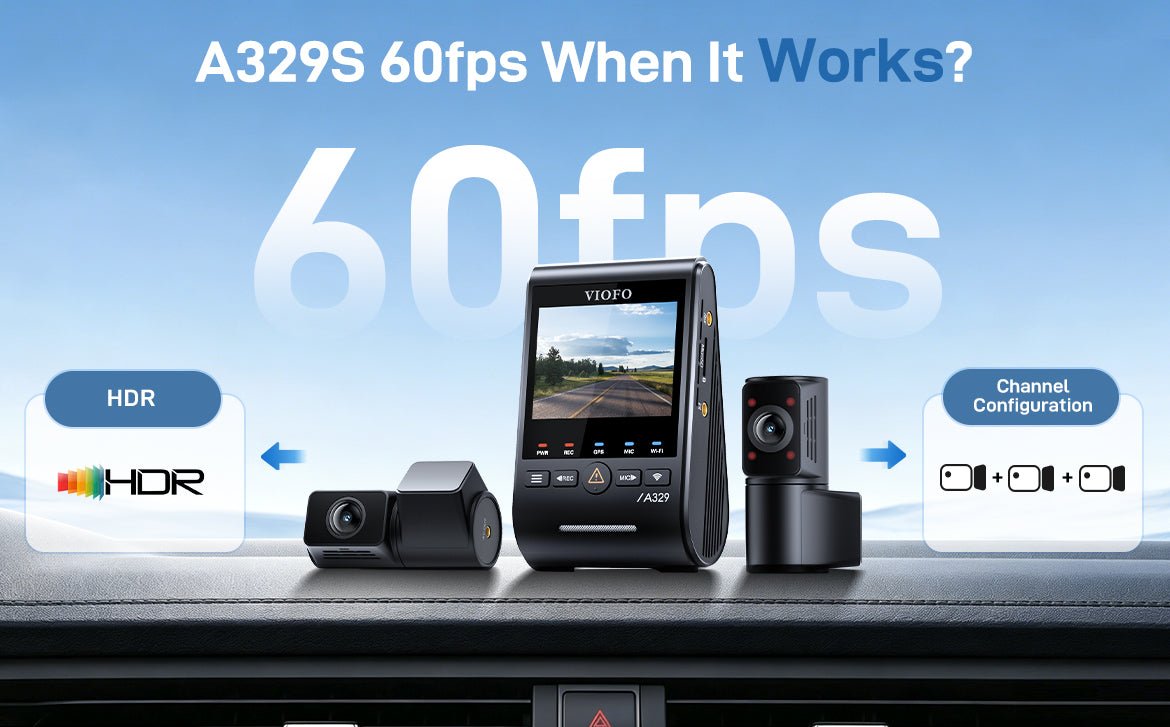
When optimizing your A329S dash cam, one of the most frequently discussed features is 60fps recording. It delivers smoother footage and better motion clarity—but it doesn’t work in every configuration.
This guide explains exactly when 60fps is supported, and how it interacts with HDR settings and channel configurations, so you can get the best performance for your driving needs.
1. 60fps vs. HDR
On the A329S, 60fps and HDR cannot be used at the same time.
-
60fps delivers smoother video, making it easier to capture fast-moving details like license plates.
-
HDR enhances image quality in high-contrast scenes, especially at night or in challenging lighting.
Because both features require significant processing power, enabling one will automatically disable the other.
Smart Solution: HDR AUTO Mode
To balance smoothness and low-light performance, the A329S offers an HDR AUTO mode.
This allows you to schedule HDR based on time:
-
During daytime → HDR is OFF → 60fps is enabled
-
During nighttime → HDR turns ON → 60fps is disabled

Example:
If you enable 60fps and set Auto HDR Timer from 7:00 PM to 7:00 AM:
-
HDR will activate at 7:00 PM for better low-light clarity
-
60fps will be disabled during this period
-
Once the time ends (7:00 AM), HDR turns off and 60fps automatically resumes
This ensures optimal performance without manual switching.
2. 60fps and Channel Configuration
Another important factor affecting 60fps is how many cameras are running.
Dual Channel (2CH) – Supports 60fps
When two cameras are active:
The system can support 60fps recording.
Triple Channel (3CH) – Does NOT Support 60fps
When a third camera is enabled:
The system switches to 3-channel mode, and 60fps will be disabled.
Flexible Control of the Third Camera
The A329S gives you full control over the third channel:
You can manually turn it ON or OFF
Or set it Only On while Driving or Only On while Parking

Example (using a cabin camera):
If you enable 60fps and set the third camera Only On while Parking:
- Driving:
Cabin camera OFF → System runs in 2CH → 60fps enabled
- Parking Mode:
Cabin camera ON → System switches to 3CH → 60fps disabled
This setup allows you to keep smoother 60fps recording while driving, while still enabling full interior coverage during parking mode.
In short, 60fps on the A329S is available when HDR is off and the camera is running in 2-channel mode. You can always adjust there settings based on your driving needs, so it works the way you want.