A119 V3 with GPS 2K 2560*1600P 30FPS Quad HD+ Car Dash Cam
Overview Spec Compare Accessories Video FAQ Review
A119 V3 with GPS 2K 2560*1600P 30FPS Quad HD+ Car Dash Cam - Viofo - official
1/11
Image
Video

A119 V3 with GPS 2K 2560*1600P 30FPS Quad HD+ Car Dash Cam

Sale price$114.49 Regular price$119.99
Save 5%
Quantity:

Optional Accessories

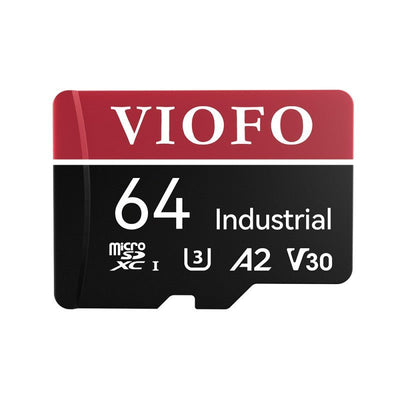
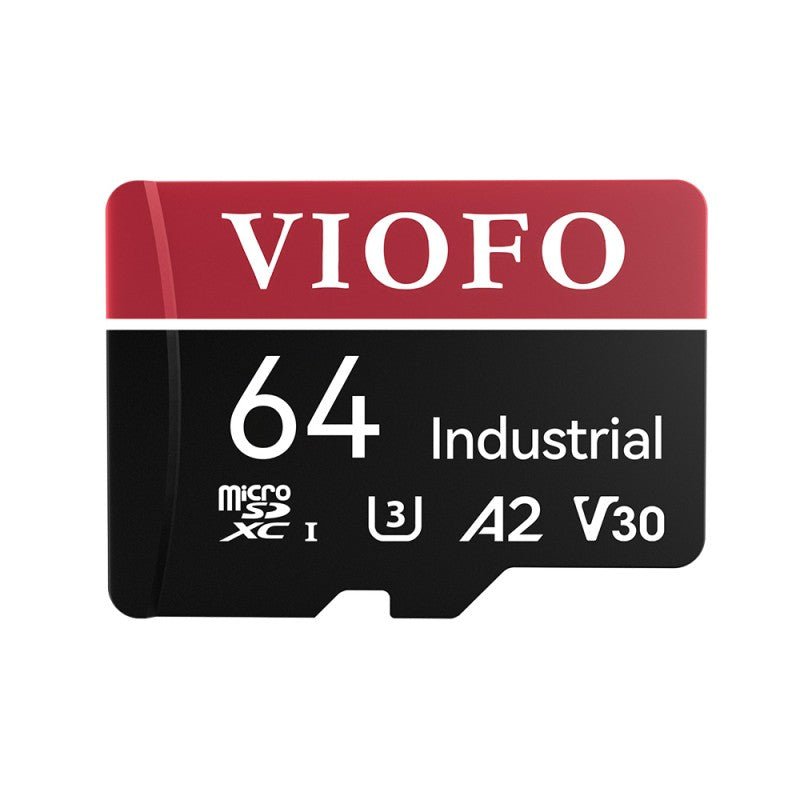
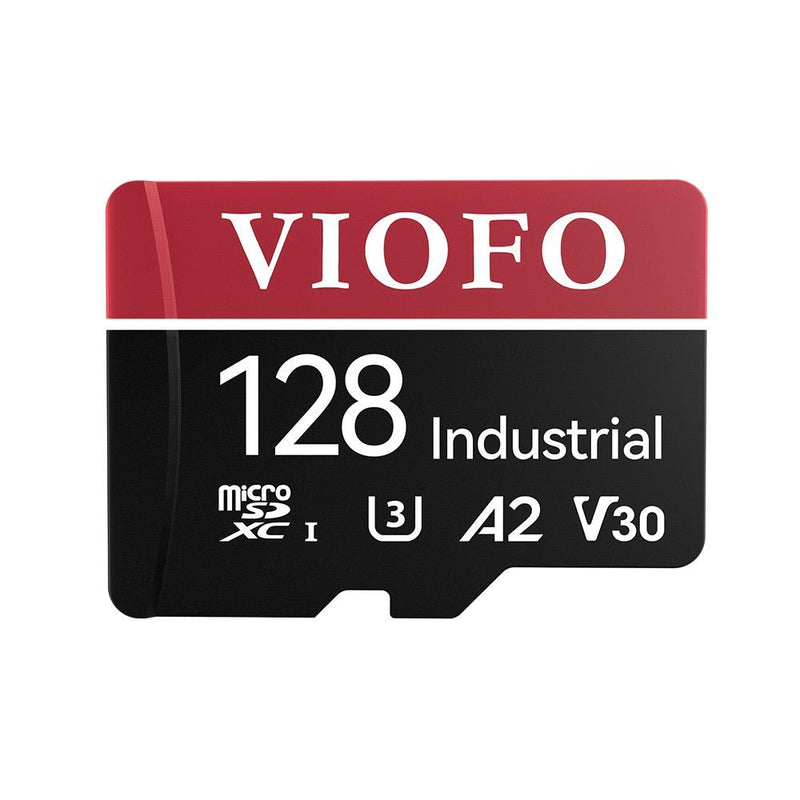
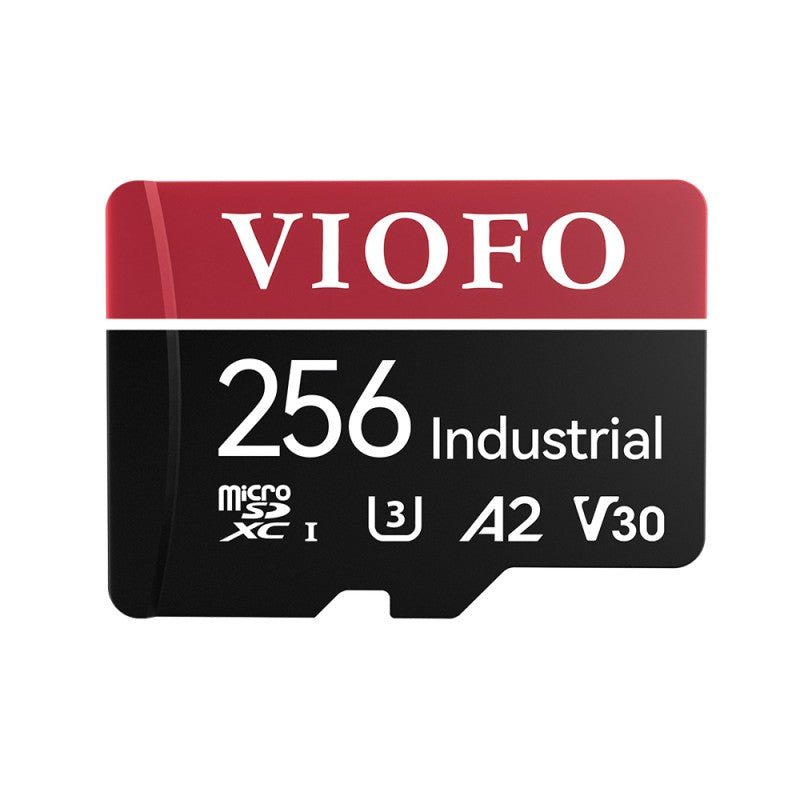
VIOFO Industrial Grade microSD Card, U3 A2 V30 High Speed Memory Card with Adapter, 32GB / 64GB / 128GB / 256GB Optional

$21.99 $26.99
More Details

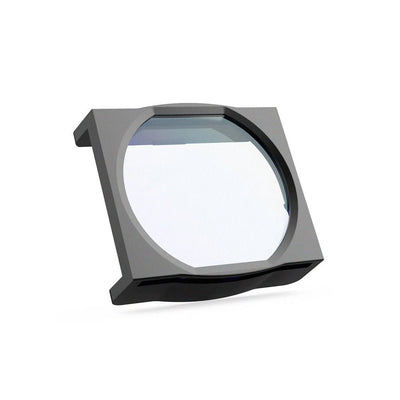
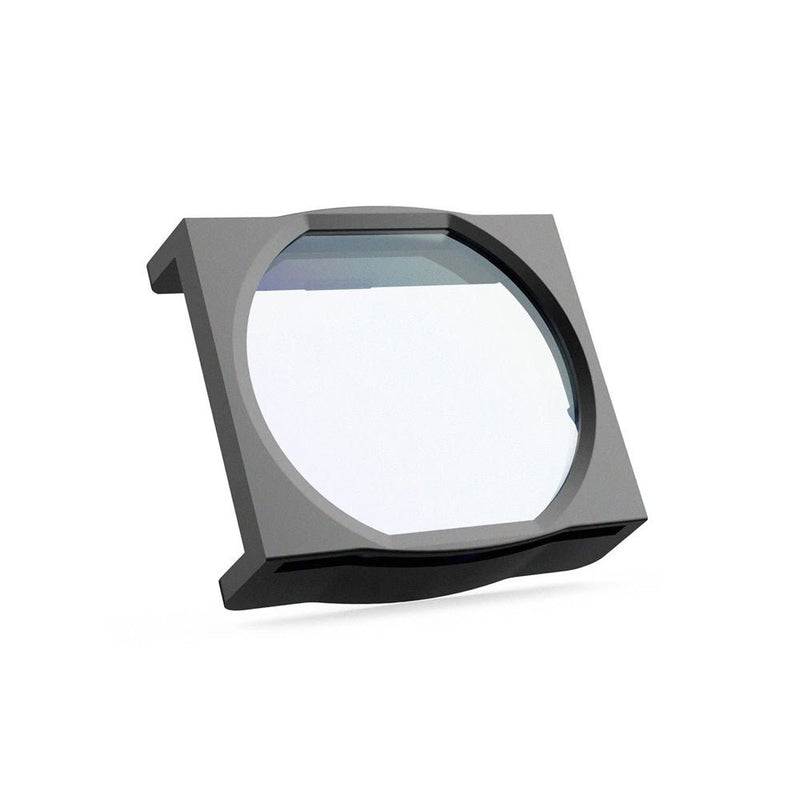
VIOFO CPL-100 Filter For A119V2/A119V3/A119MINI2/A119M Pro/A129 Duo/A129 Pro Duo/A129 Plus Duo

$16.99
More Details

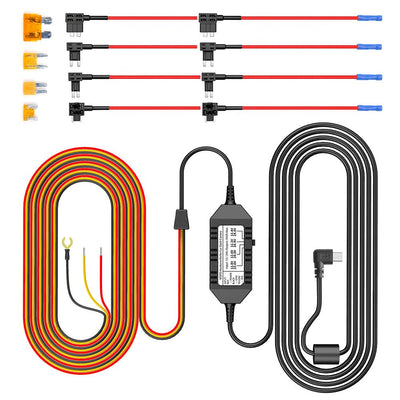
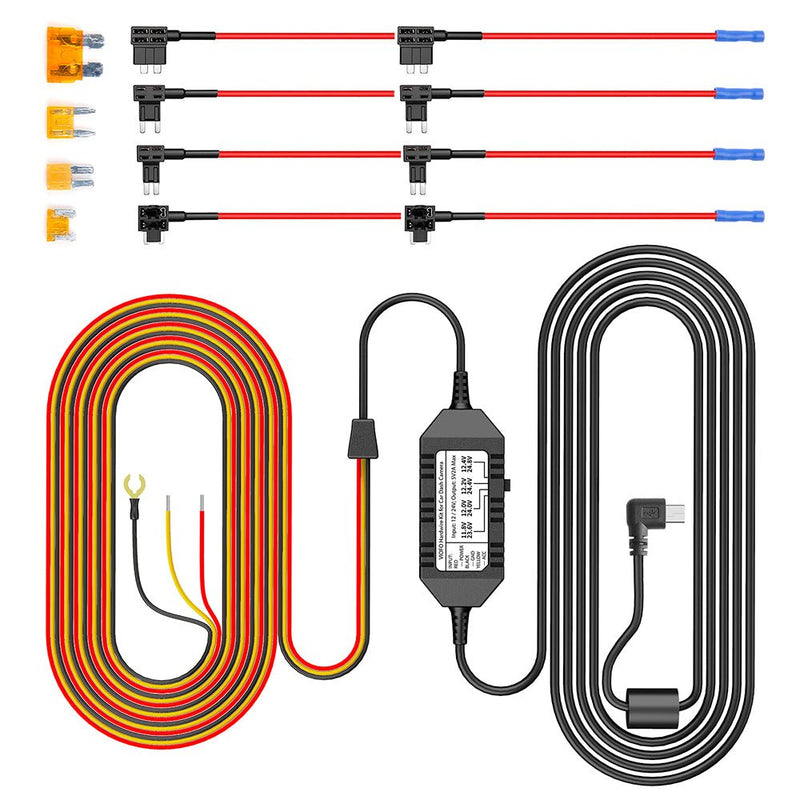
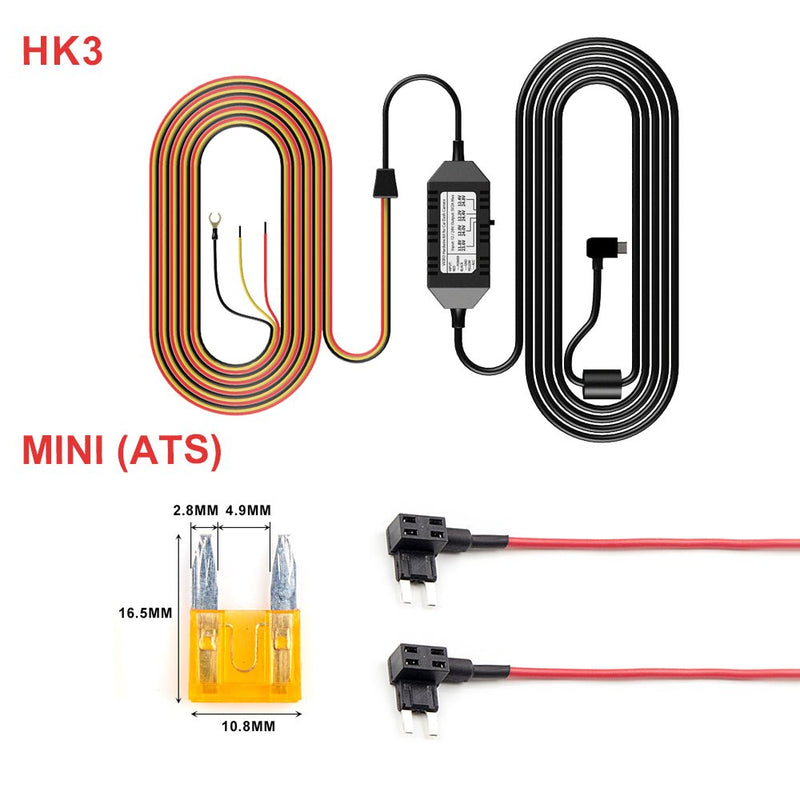
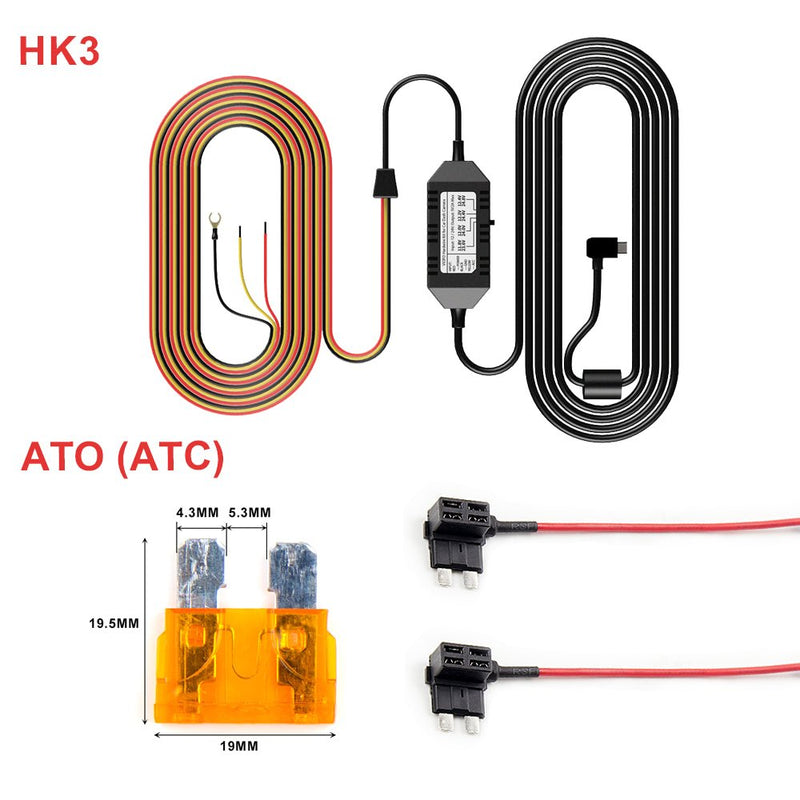
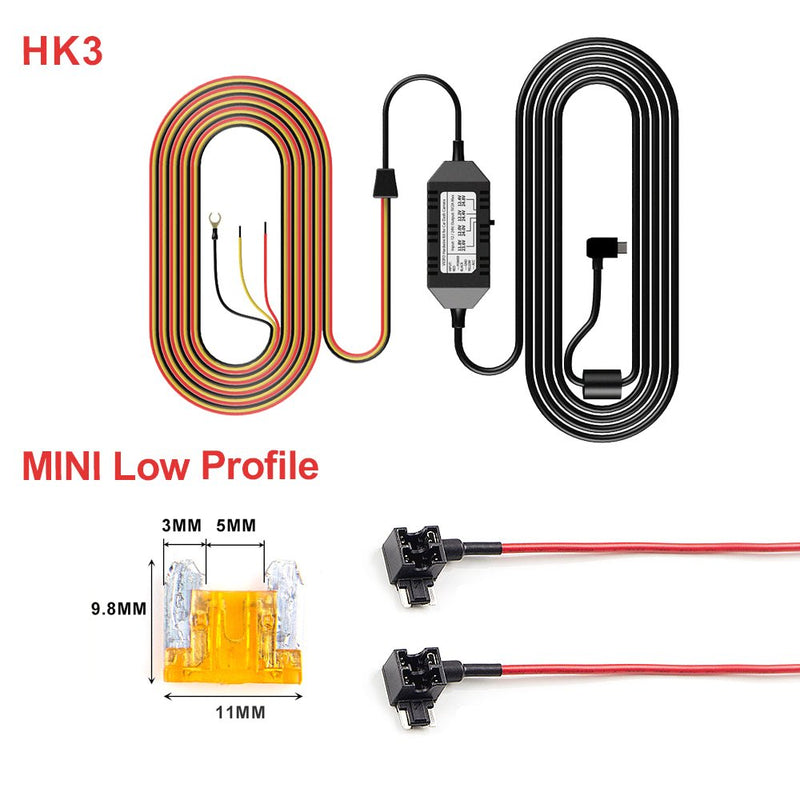
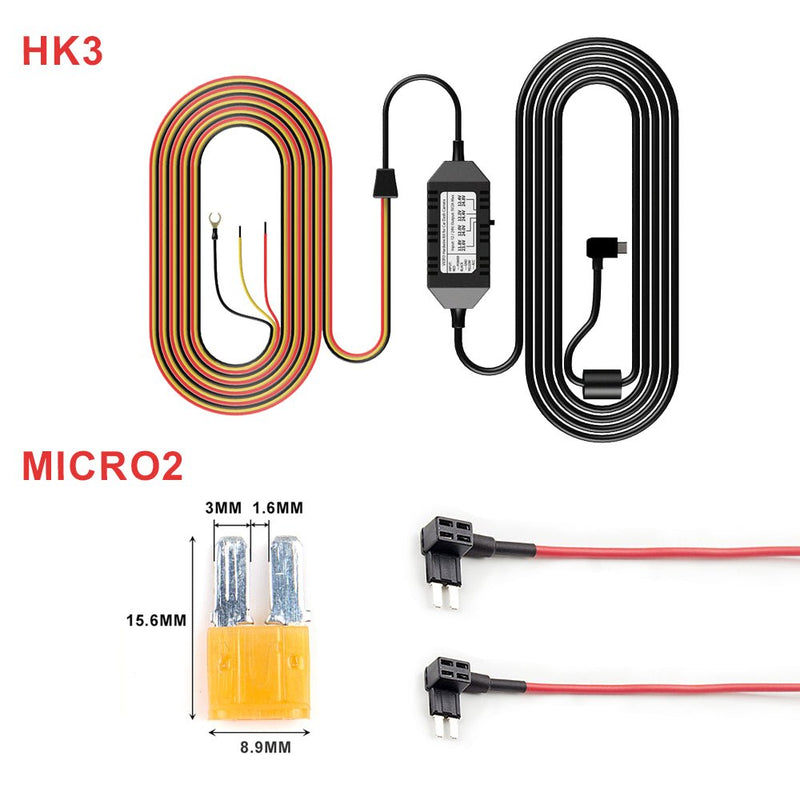
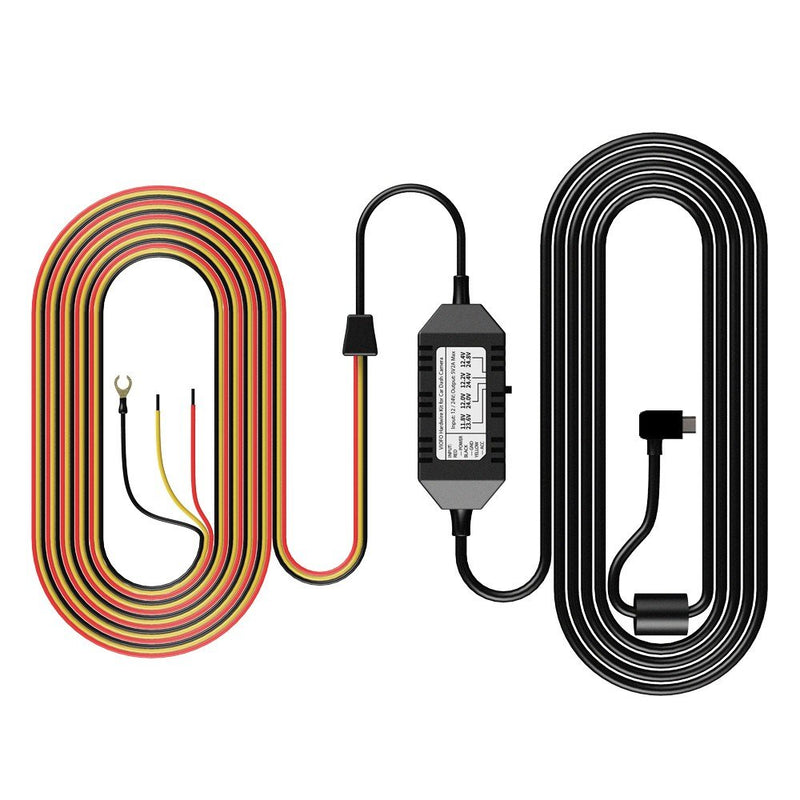
VIOFO Mini HK3 ACC Hardwire Cable For A119V3/A129 Duo/A129 Duo IR/A129 Plus Duo/A129 Pro Duo

$25.99
More Details
Subtotal
Sale price$114.49 Regular price$119.99

Product Information

  • Channels1-Channel
  • ChipsetNovatek
  • Image SensorSony STARVIS CMOS Sensor 5MP IMX335
  • Video Resolution2K (2560*1600P) 30fps
  • Wi-FiNot supported
  • BluetoothNot supported
  • CPLSupport CPL-100 (Optional)
  • Display2.0-inch High-Resolution
  • LensF/NO 1.6 FOV=140°
  • Video FormatMP4 / TS
  • Image FormatJPEG
  • Frequency60 Hz
  • G-sensorOff / Low / Middle / High Sensitivity
  • USB PortMini-USB Port
  • Hardwire Kit (Optional)HK3
  • Battery & ChargingNO Battery, build-in Super Capacitor
  • Micro SD CardUp to external 256GB microSD Card
  • Operating Temperature-20°C~65°C
  • Storage Temperature-20°C~70°C
  • Input PowerDC 5V / 1A
  • Size2.1×1.91×3.25 (In)
  • Parking ModeSupported (Auto Event Detection / Time-lapse / Low Bitrate Recording)
  • Buffered Parking ModeSupported
  • Time-Lapse RecordingOff / 100 ms / 200 ms / 1 Second / 2 Seconds / 5 Seconds / 10 Seconds / 30 Seconds / 3 Minutes / 5 Minutes / 10 Minutes
  • GPS LoggerBuilt-in
  • WDR/HDRHDR Supported
  • Voice NotificationNot Supported
  • Voice ControlNot Supported
  • Loop Recording1 min / 2 min / 3 min / 5 min / 10 min
  • LED Indicators/
  • MicrophoneBuilt-in
  • SpeakerBuilt-in

Dash Cams Comparisons

  • ${ item.name }
  • ${ value ? value: '-' }

Accessories

VIOFO Industrial Grade microSD Card, U3 A2 V30

$21.99
More Details

VIOFO CPL-100 Filter For A119V2/A119V3/A119MIN

$16.99
More Details

VIOFO Mini HK3 ACC Hardwire Cable For A119V3/A

$25.99
More Details

Video

Viofo A119 v3 Review: Best Affordable Dashcam of 2019

Viofo A119V3 QuadHD+ 1600P Car Dash Camera

Frequently Asked Questions

SD Card recommendation SD Card capacity Firmware update Beep sound View recording
  • What SD Card is recommended for A119 V3?
    When it comes to choosing a microSD memory card, we only recommend VIOFO cards or Sandisk Max Endurance cards. This is essential for maximum compatibility and long-term stability. For more details, please refer to this blog: https://support.viofo.com/support/solutions/articles/19000133471-what-memory-card-is-recommended-for-a-viofo-dashcam-
  • What is the maximum SD card it supports?
    A119 V3 supports microSD cards up to 256 GB. (Memory card format should be in FAT32 format).
  • Can I use the A119 V3 without utilizing the provided power cable?
    It use the Mini USB 5V 2A input, if you have other similar power supply, it is also OK.
  • Is there an app available for A119 V3?
    This camera doesn't support WiFi, so there is no app for this model. If you want to watch videos, you may use a USB cable or an SD card to download them to your computer or watch them on the dashcam directly.
  • Will A119 V3 support 1440P 60fps with HDR enabled?
    It can not support 1440P 60FPS with HDR enabled.
  • How to update the firmware?
    ①Take out the SD card from the camera and insert it into a computer. (Please format the SD card to FAT32 first.) ②Find the correct model, download and copy the bin file to the root directory of the microSD card through the link https://www.viofo.com/pages/firmware. Note: The bin file can't be renamed, like FWA119V3.bin(1). It won't work with the camera. Please remove (1). ③Eject the card from the computer, put the card back in the camera, and power the camera with the original car charger, instead of using the data cable connecting to the PC. ④The power LED will blink while upgrading. When the upgrade is complete, the camera will restart automatically.
  • Why does my dashcam have a beep sound?
    1. Please use our recommended SD card and ensure it is formatted in FAT32. 2. Use the original car charger or the hardwiring kit for testing. 3. Perform a deep format of the SD card using the tool below (Do not choose quick format): [https://viofo.com/download/guiformat.exe] 4. To reset the camera, press and hold the 'R' button for several seconds, or restore default settings by the menu.
  • How can I view the recording?
    ① Press the REC button briefly to pause recording. ② Press the Emergency Lock button briefly to open the recording file. ③ Press the Emergency Lock button to play/pause the video. The REC button and MIC button are used for left and right selection. ④ Press the Power button to return. You can also insert the memory card into your laptop's memory card reader or use a USB card reader. Then open the memory card drive on your laptop, navigate to the folder containing the video files, and copy the files you need to your laptop's storage.

Reviews

Customer Reviews

Based on 9 reviews
89%
(8)
11%
(1)
0%
(0)
0%
(0)
0%
(0)
y
y.d.

GOOD.!

D
DC
Great Camera

This camera seems to be living up the hype. The video quality is good, it was easy to set up, and has all the features I wanted.

J
Jim

very pleased with purchase

K
Kent Dickson
awesome lil camera

This seems to be a great lil camera. Easy set up, easy to install and works great! If you're on the fence about, just jump off and get it.

B
BP
Great, quality camera

There's a reason this camera is the most recommended on red-it: it's good quality and no hassle. It's easy to configure, the videos are quality and include timestamp and gps coordinates, it gives a little beep when it turns on and then you forget it's even there. Hopefully I'll never need to use it, but the $250ish I spent on this product plus install is well worth the extra protection in the event something bad does happen.

A329_01.jpg__PID:1f6feccd-448a-483a-96f9-db614981e793
官网详情_07.jpg__PID:1cfc7a00-fbfa-48f9-b80a-62a83d0913eb

Recommended By

A329_01.jpg__PID:1f6feccd-448a-483a-96f9-db614981e793
20240627172929.jpg__PID:32d3c238-4fd3-4299-8b79-f59709a27b36