


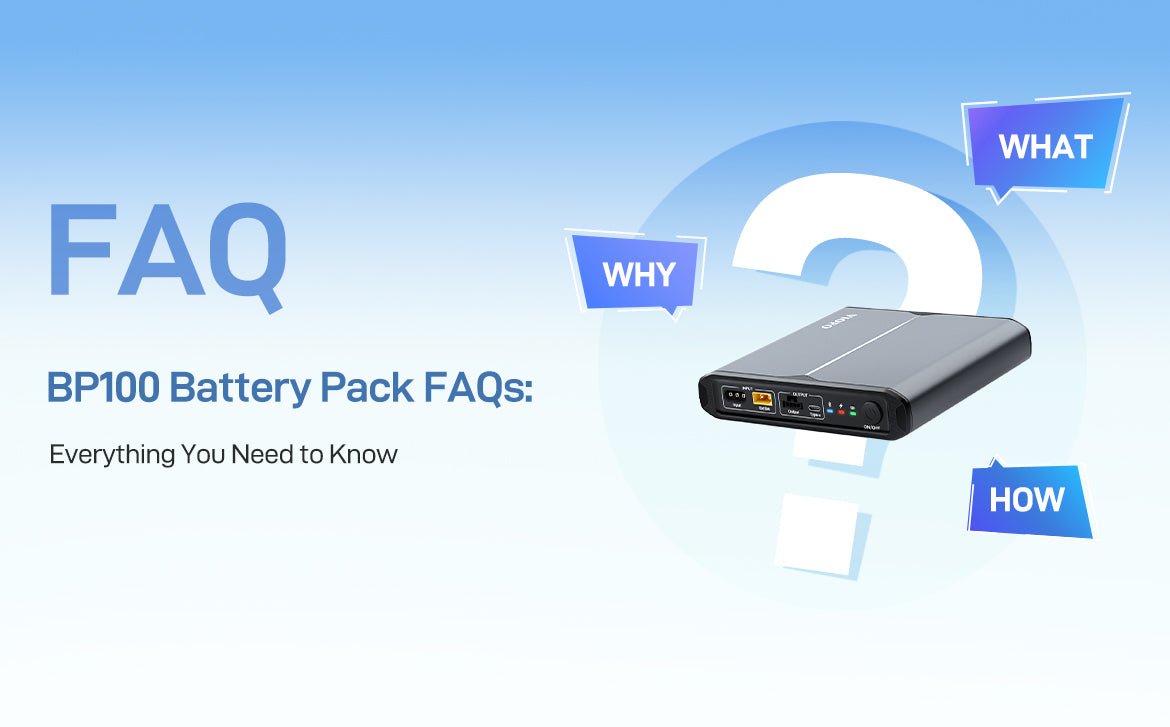
The VIOFO BP100 Battery Pack is designed to provide reliable power for your dash cam, especially for extended parking mode recording. To help you get the best experience, we’ve compiled answers to the most frequently asked questions about setup, usage, and troubleshooting.
1. What should I do if I cannot find “BP100_XXXX” in my Bluetooth list?
If the BP100 does not appear in your phone’s Bluetooth device list, please check the following:
• Power On the Battery Pack First
The Bluetooth module activates automatically only after the BP100 is powered on.
• Check the Distance
Keep your phone within 10 meters (33 feet) of the battery pack to ensure a stable signal.
• Enable Bluetooth Permissions
Go to your phone’s Settings, find the VIOFO battery app, and make sure Bluetooth permissions are enabled.

• Reset Bluetooth Connection
If your phone's Bluetooth is already turned on but the device does not appear, try turning Bluetooth off, then on again to refresh the device list.
2. How should I handle Low Voltage and High Temperature pop-up alerts?
Low Voltage Alert
• When the battery level drops to 10%, a low voltage pop-up will appear.
• You may ignore the alert or manually close it by tapping the “X” in the top-right corner.
• The BP100 will not shut down automatically at 10%.
• The battery will only power off automatically when it is fully discharged (0%).

High Temperature Alert
• A high temperature pop-up appears when the battery temperature reaches 50℃ during discharge or charging.
• You can ignore the alert or close it by tapping the “X”.
• The battery will not shut down immediately.
• Automatic shutdown occurs only if the temperature exceeds 70℃ to protect the device.

3. Why is Parking Mode not working?
Parking Mode requires the correct cable and connection. Please confirm the following:
• Use the Correct Cable
You should use the specific cables provided in the battery box:
- Hardwire Output Type-C Cable (4M), or

- Hardwire Output Cable Adapter (2M)

• Check Wiring (for adapter cable users)
If you are using the Hardwire Output Cable Adapter, ensure the colors match correctly:
- Red wire → Red wire of the hardwire cable
- Yellow wire → Yellow wire of the hardwire cable
- Black wire → Black wire of the hardwire cable

• Important Connection Note
- The dash cam must be connected to the “Output (Parking Mode Supported)” port of the battery pack.
- The Type-C port of the battery is for mobile phone charging only and does not support parking mode.

4. Why do I need to manually set the number of expansion batteries?
• When only one expansion battery is connected, the BP100 can detect it automatically and update the count to 1.
• When two or more expansion batteries are connected in series, the system cannot identify the correct number automatically.
• In this case, you must manually set the number of expansion batteries in the battery app.
See the video below:
What happens if the number is set incorrectly?
Incorrect settings will cause inaccurate display of:
• Remaining charging time
• Remaining usage time
• Total battery capacity
• Battery percentage (%)
5. How do I install the BP100 if I already have an HK4 or HK6 hardwire kit installed?
The BP100 comes with its own power cables (hardwire kit not included).
If you already have an HK4 or HK6 installed, you will need to remove it from the car battery first.
BP100 Power Input Options (Choose One)
(1) Hardwiring Power Input Cable (3M)
Connect directly to the car battery or fuse box. (Recommended)

(2) Cigarette Lighter Plug Power Input Cable (2M)
Plug into the vehicle’s cigarette lighter socket.

BP100 Power Output Options
(1) Hardwire Output Type-C Cable (4M)
Connect directly to the dash cam GPS port.
✔ Parking mode supported (Recommended)

(2) Hardwire Output Cable Adapter (2M) + HK4/HK6
✔ Parking mode supported

(3) Cigarette Lighter Output Cable (0.3M)
Connect to the original car charger.
✘ Parking mode not supported

6. What’s the difference between BP100 and EP100?
• BP100
A standalone rechargeable battery pack that powers your dash cam.
• EP100
An expansion battery that cannot work independently.
It must be connected to the BP100 to function.

7. How many expansion batteries can be added to the BP100?
It is recommended to connect no more than two expansion batteries to one BP100 battery pack.
8. Do I still need a hardwire kit if I use the BP100?
No.
A separate hardwire kit is not required.
The BP100 includes a Hardwire Output Type-C Cable (4M) that fully supports parking mode.
Final Tip
For optimal performance and accurate battery information, always:
• Use the correct ports and cables
• Set the correct number of expansion batteries in the app
• Keep the battery within the recommended operating temperature
If you still have questions, feel free to contact VIOFO support for assistance.